What Every Gold Coast Homeowner Needs to Know About Network Security
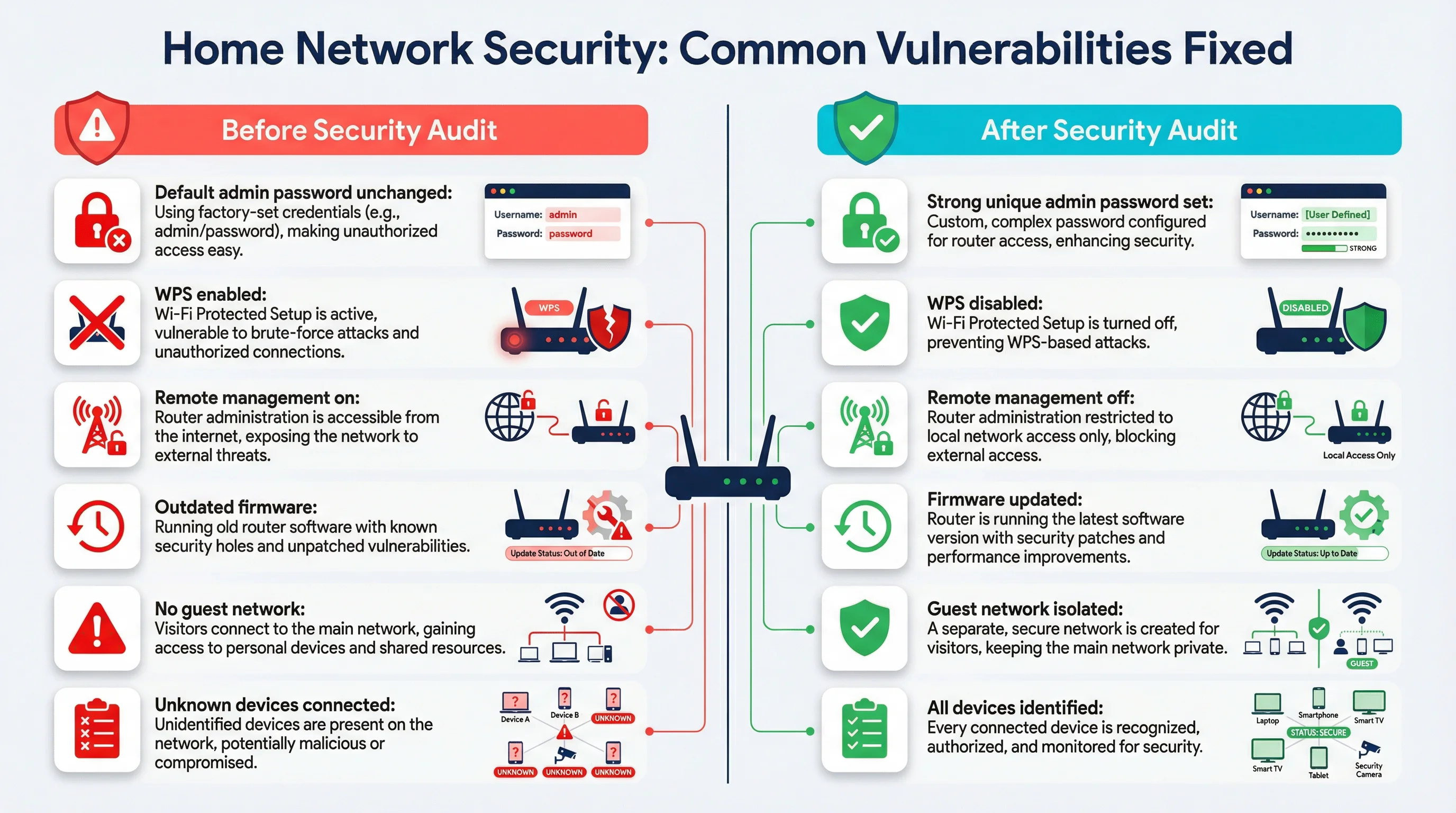
Network security and firewall configuration are no longer concerns reserved for large businesses. The average Gold Coast home now has more internet-connected devices than most small offices did a decade ago. Smart TVs, security cameras, phones, tablets, laptops, gaming consoles, smart speakers and NBN-connected appliances all share the same network — and in most homes, that network has never had a proper security review. The default settings that came with your router when it was installed are almost never the most secure settings available. They are designed to get you online quickly, not to protect you from the kinds of threats that are increasingly targeting Australian households.
The Australian Cyber Security Centre (ACSC) publishes an annual threat report, and in recent years it has consistently highlighted home networks as a growing target. Cybercriminals do not need to be sophisticated to exploit a poorly configured home router. Many attacks are automated — software scanning for routers with default credentials or open remote management ports, and logging in without any human involvement. A home in Robina or Helensvale is just as exposed as one in any other suburb if the router has never been properly locked down.
WPA3 Encryption and Why Your WiFi Band Settings Matter
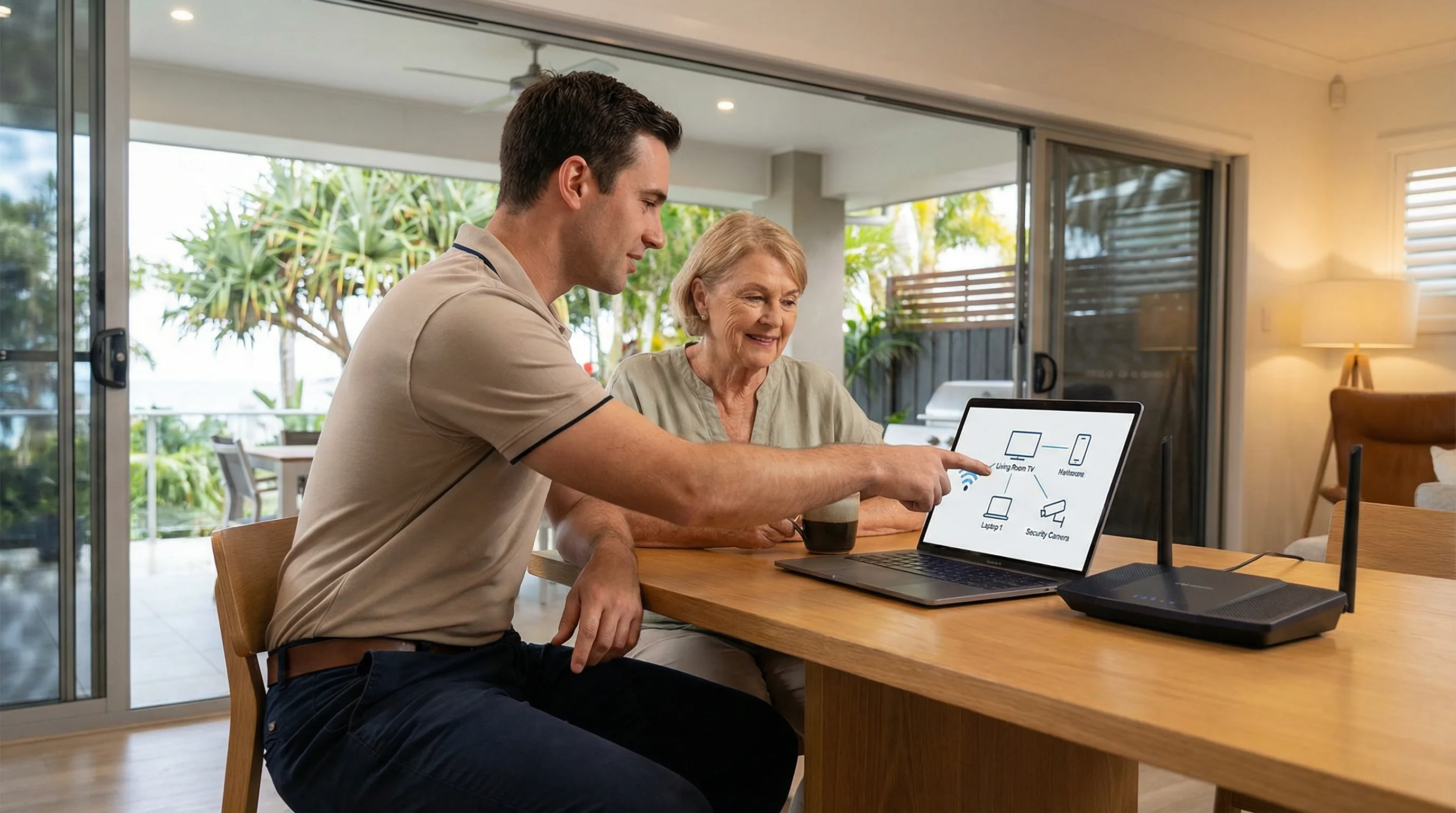
Most modern routers support WPA3, which is the current standard for WiFi encryption. Some older routers only support WPA2, which is still acceptable when configured correctly — specifically using AES encryption rather than the older TKIP protocol. The problem is that many routers ship with WPA2/WPA3 mixed mode or even WPA/WPA2 mixed mode enabled by default, which can weaken the overall security of the network to match the lowest-capability device connected to it.
A router broadcasting on both the 2.4 GHz and 5 GHz bands will often have separate security settings for each band. It is not uncommon to find a Gold Coast home where the 5 GHz band has been updated to WPA3 but the 2.4 GHz band — the one that older smart home devices connect to — is still running WPA2 with a weak password set years ago. Both bands need to be reviewed and configured consistently. The WiFi password itself matters too. Short passwords, dictionary words, or passwords that include the home address or family name are all far easier to crack than a randomly generated 16-character passphrase.
WPS (Wi-Fi Protected Setup) is another setting that is enabled by default on most consumer routers. It was designed to make connecting devices easier, but it has a well-documented security flaw that allows an attacker within WiFi range to recover the WPS PIN through a brute-force attack in a matter of hours. There is no good reason to leave WPS enabled on a home network. Disabling it takes about thirty seconds in the router admin panel and removes a known attack vector entirely.
How Home Router Firewalls Work — and Where They Fall Short
Every consumer router includes a basic firewall. It works by performing Network Address Translation (NAT), which means your devices share a single public IP address and incoming connections from the internet are blocked by default unless you have specifically opened a port. This is a reasonable baseline, but it is not the same as a properly configured firewall, and it does nothing to protect against threats that originate from inside the network — such as a compromised device, a phishing link clicked on a home computer, or malware that arrived via a USB drive.
Many routers also have a more advanced firewall settings panel that most users never touch. This can include stateful packet inspection, DoS (denial of service) protection, and the ability to block specific IP ranges or protocols. These settings are often disabled or set to their least restrictive defaults out of the box. A proper firewall review involves checking all of these settings, not just whether the router is switched on.
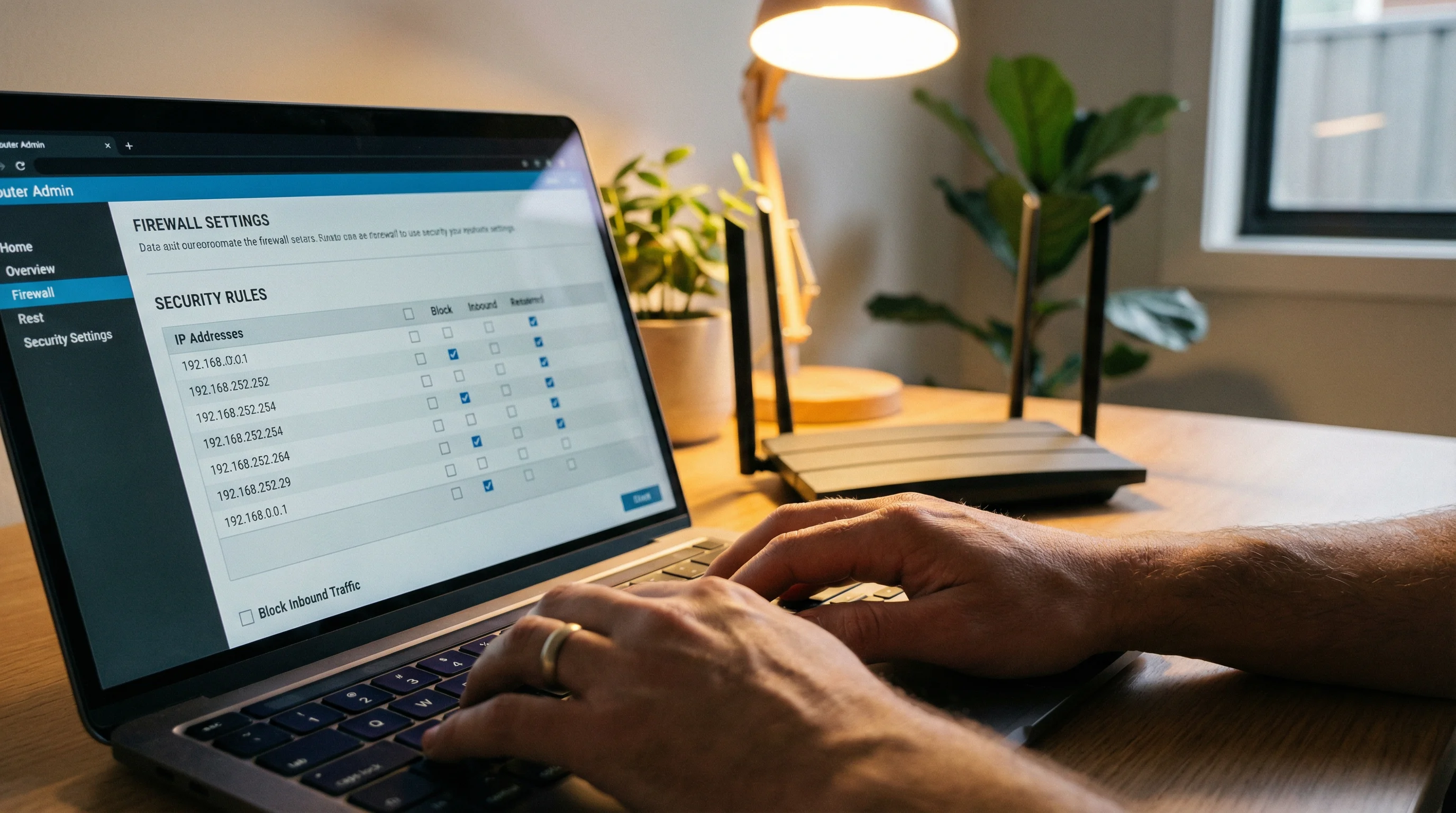
Port forwarding rules are another area worth reviewing. These are rules that direct incoming internet traffic to a specific device on the home network — commonly set up for gaming, remote desktop access, or home security cameras. Port forwarding rules that were set up years ago and never removed can leave a device permanently exposed to the internet even after the original reason for the rule no longer applies. We regularly find port forwarding rules on Gold Coast home routers that the homeowner has no memory of setting up, sometimes pointing to devices that are no longer even connected to the network.