Choosing the Right Mesh WiFi System for Your Gold Coast Home
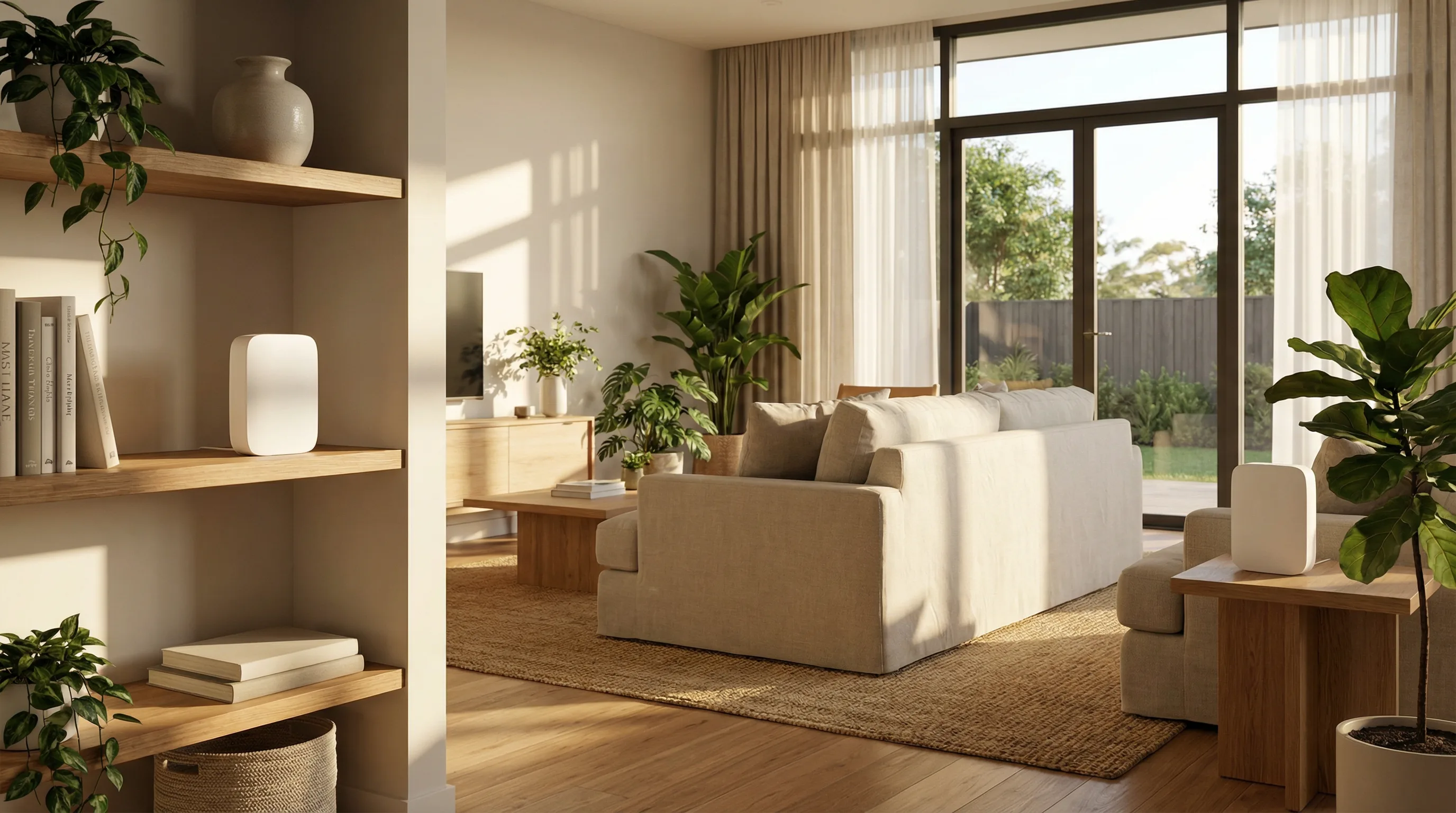
Mesh WiFi systems have changed the way Gold Coast homes get connected. A few years ago, a single router sitting in the hallway was the standard setup. For smaller homes in Broadbeach or Coolangatta, that still works fine. But for larger homes in Helensvale, Coomera or Nerang — homes with multiple storeys, long floor plans, or thick internal walls — a single router often leaves half the house with a weak or unusable signal. That's where a properly installed mesh WiFi system makes a real difference.
The key word is properly. A mesh system that's been placed without thought, configured with default settings, or left running on wireless backhaul when Ethernet cabling is available will underperform. We see this regularly on the Gold Coast — homeowners who bought a well-reviewed system and still can't get a reliable signal in the back bedroom or the outdoor entertaining area. The hardware is usually fine. The setup isn't.
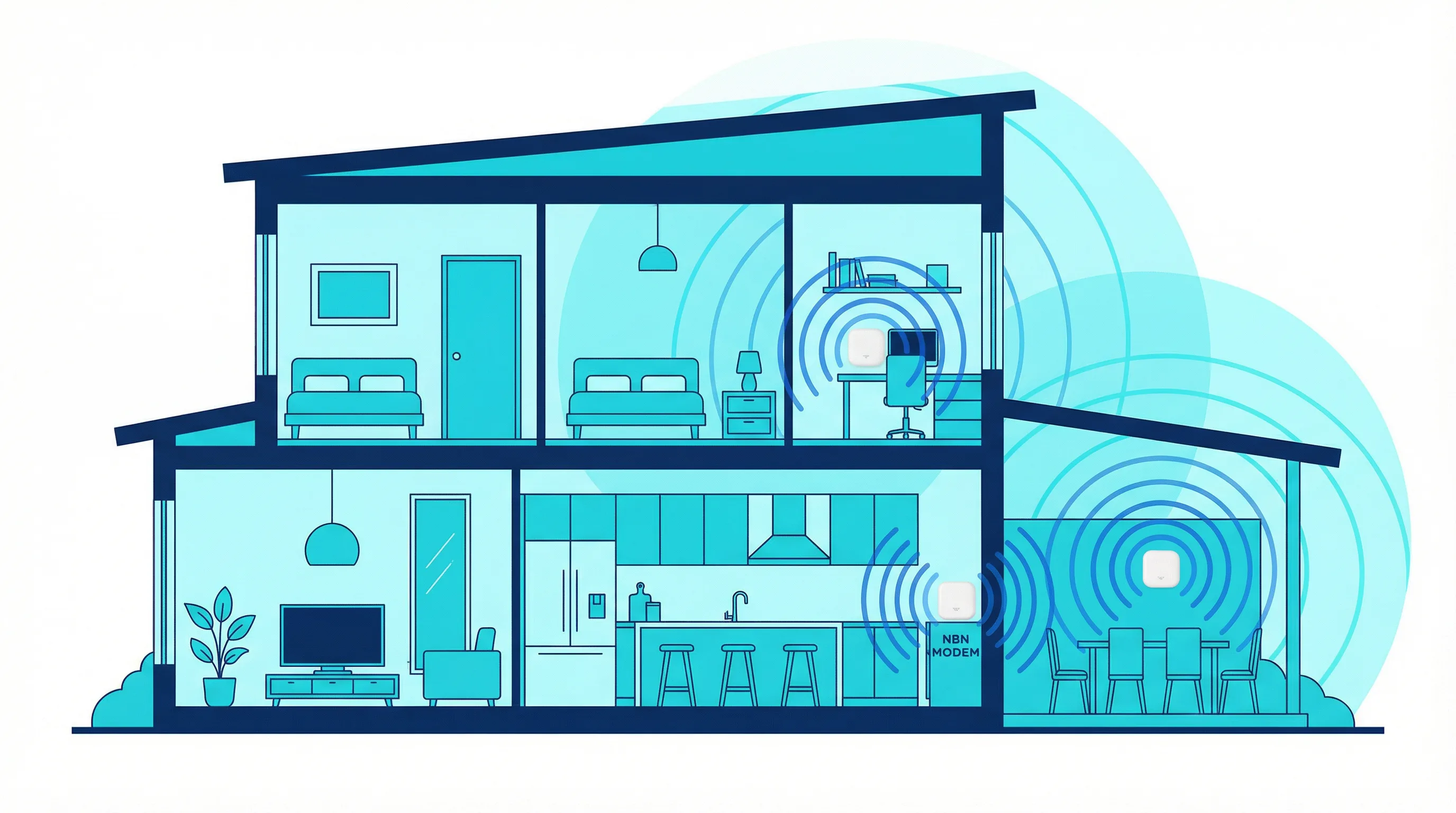
When we arrive at a Gold Coast home to install a mesh system, the first thing we do is walk the property. We look at where the NBN connection point is, how the home is laid out, what the walls are made of, and whether there's any existing Ethernet cabling we can use for backhaul. That walkthrough takes ten to fifteen minutes and it determines everything — how many nodes you actually need, where they should go, and whether wired backhaul is worth setting up. Most of the time, a two-node system placed correctly outperforms a three-node system placed badly.
The Mesh WiFi Brands We Install on the Gold Coast
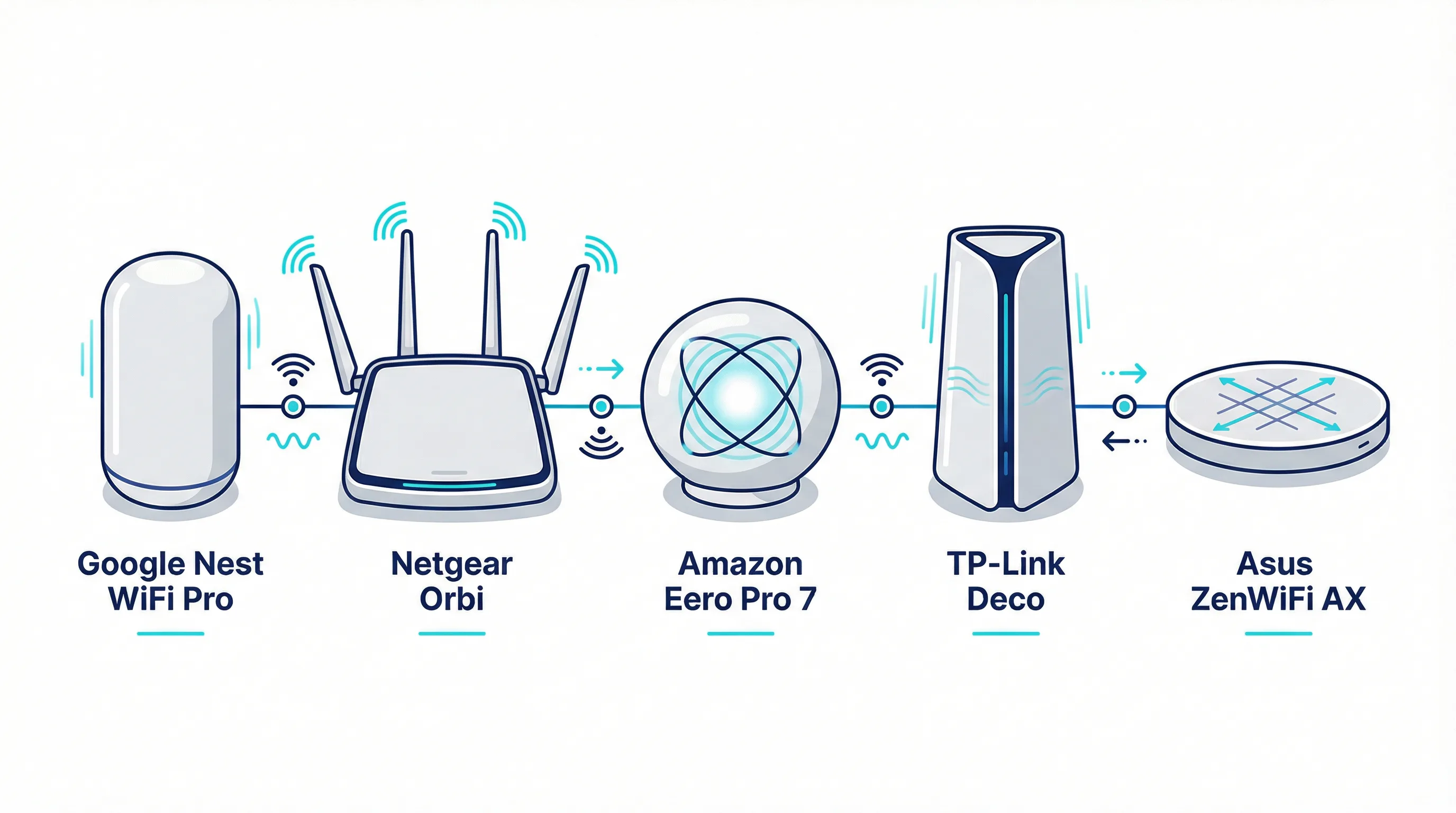
We supply and install a range of mesh systems across the Gold Coast. The right choice depends on your home size, how many devices you're connecting, whether you have existing Ethernet cabling, and your budget. Below is a plain-English overview of the systems we work with most often.
Google Nest WiFi Pro
The Google Nest WiFi Pro is one of the most popular mesh systems we install in Gold Coast homes. It uses Wi-Fi 6E, which means it operates across three bands — 2.4 GHz, 5 GHz and 6 GHz. The 6 GHz band is less congested than the others, which matters in suburbs like Robina and Southport where there are a lot of neighbouring WiFi networks competing for the same channels. The Nest WiFi Pro is also one of the cleaner-looking systems available — the nodes are compact and unobtrusive, which matters when you're placing one in a living room or on a bookshelf.
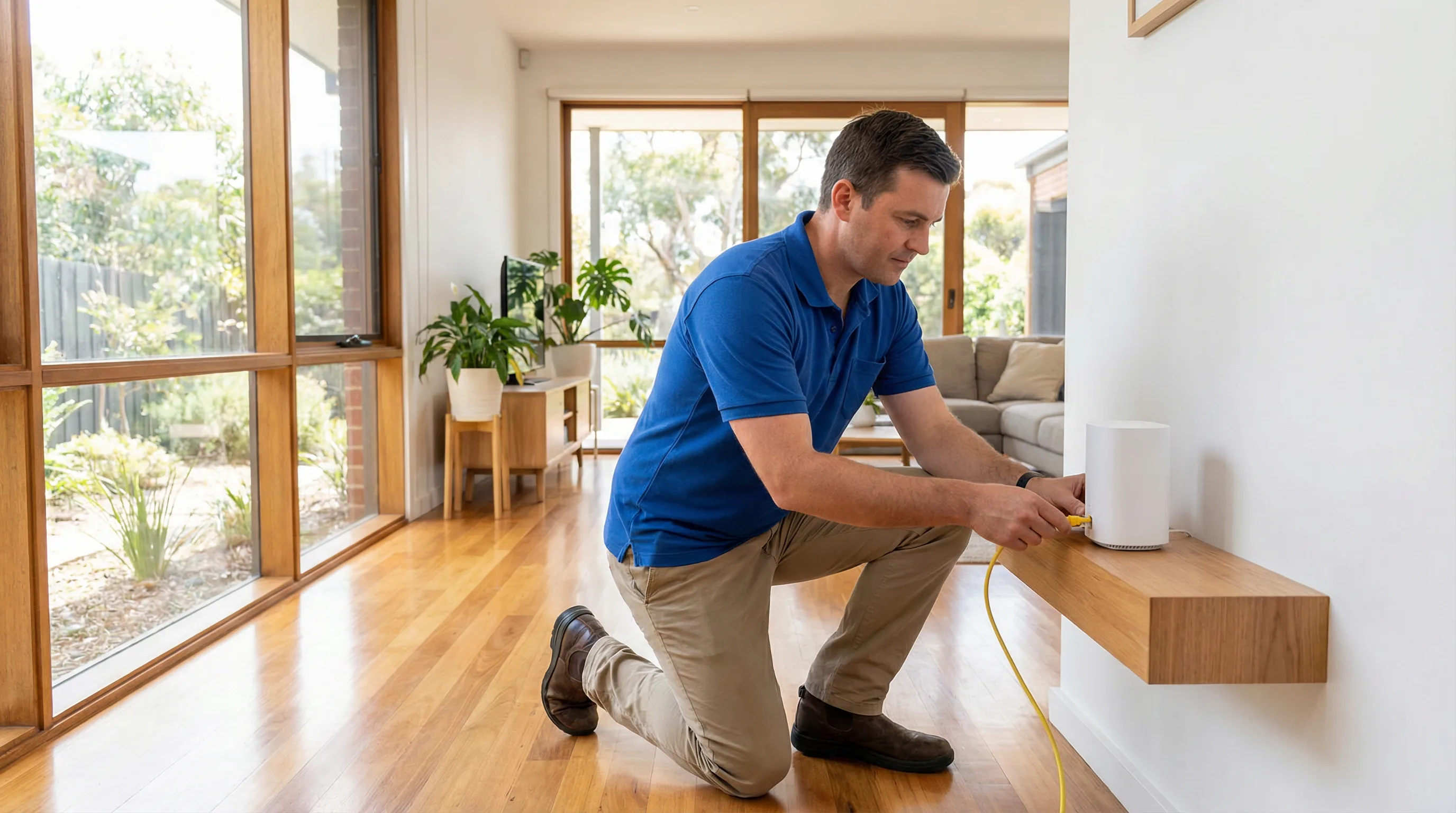
When we install the Nest WiFi Pro, we start by connecting the primary node directly to the NBN modem via Ethernet. This gives the primary node a direct, full-speed connection to the internet rather than relying on a wireless link. We then position the satellite nodes based on the walkthrough — typically in areas where the signal from the primary node starts to drop off. We configure the system through the Google Home app, set the network name and password, enable the guest network if needed, and run speed tests at multiple points in the home before we leave. The Nest WiFi Pro supports wired backhaul between nodes, and we always use it where Ethernet points are available.
Netgear Orbi
Netgear Orbi systems are well suited to larger Gold Coast homes — particularly the two-storey homes common in Helensvale, Coomera and Upper Coomera. The Orbi uses a dedicated wireless backhaul band, which means the communication between the router and satellite nodes doesn't compete with the traffic from your devices. This makes a noticeable difference to real-world performance in homes where running Ethernet cable between floors isn't practical.
The Orbi RBK863S and RBK960 are the models we install most often. Both support Wi-Fi 6 and handle a large number of connected devices without slowing down — important in homes with smart TVs, security cameras, smart home devices, multiple computers and phones all running at the same time. We configure the Orbi through the Netgear Orbi app, set up the satellite links, configure the guest network and security settings, and test throughput in every area the homeowner needs coverage. Where Ethernet is available between floors, we always configure wired backhaul to get the best performance out of the system.
Amazon Eero Pro 7
The Amazon Eero Pro 7 is a good fit for Gold Coast homes where simplicity and reliability matter more than maximum throughput. It's a tri-band Wi-Fi 6E system with a clean, minimal design that sits unobtrusively on a shelf or bench. The Eero app is one of the most straightforward mesh management interfaces available, which makes it easy for homeowners to manage their network after we've set it up.
One thing worth knowing about the Eero Pro 7 is that it integrates with Amazon Alexa, which is useful if you already have Alexa devices in your home. It also supports Thread, a low-power wireless protocol used by some smart home devices. We install the Eero Pro 7 in homes across the Gold Coast — from smaller homes in Palm Beach and Varsity Lakes to larger properties in Mudgeeraba and Tallebudgera. The setup process involves connecting the gateway node to the NBN modem, adding satellite nodes through the Eero app, configuring the network name, password and guest network, and running coverage tests throughout the home. The Eero Pro 7 supports wired backhaul on all nodes, and we use it wherever Ethernet points are available.
TP-Link Deco
TP-Link Deco systems offer good value for Gold Coast homes that need solid whole-home coverage without a premium price tag. The Deco range covers everything from entry-level Wi-Fi 5 systems to the Deco XE75 Pro and Deco XE200, which are Wi-Fi 6E tri-band systems with wired backhaul support. For most Gold Coast homes — a three-bedroom house in Burleigh Heads or a four-bedroom home in Robina — a two or three-node Deco system configured correctly will cover the entire property without dead spots.
We install TP-Link Deco systems regularly across the Gold Coast, particularly in homes where budget is a consideration but performance still matters. The setup process is similar to other mesh systems — we connect the primary Deco node to the NBN modem, position the satellite nodes based on the walkthrough, configure the system through the Deco app, set up the network name and password, enable the guest network and parental controls if needed, and test coverage throughout. The Deco XE75 Pro and XE200 both support wired backhaul, and we always use it where Ethernet points are available. For homes without existing cabling, the wireless backhaul on the higher-end Deco models is strong enough that most homeowners won't notice the difference.
Asus ZenWiFi AX
The Asus ZenWiFi AX is a strong choice for Gold Coast homes where the homeowner wants more control over their network settings than most consumer mesh systems allow. Asus routers have long been popular with people who want to configure things properly — VLANs, QoS, DNS settings, port forwarding — and the ZenWiFi AX brings that same level of control to a mesh system. It runs ASUSWRT, the same firmware used on Asus's standalone routers, which means the configuration options are far deeper than what you get with the Eero or Nest apps.
We install the ZenWiFi AX in Gold Coast homes where the homeowner works from home and needs a reliable, well-configured network, or where there are specific requirements like a separate VLAN for smart home devices or a guest network with bandwidth limits. The setup process involves connecting the primary node to the NBN modem, adding satellite nodes through the ASUS Router app or the web interface, configuring the network settings, and testing coverage throughout the home. The ZenWiFi AX supports wired backhaul between nodes, and we always configure it where Ethernet is available. For homes with more complex requirements, we can configure the ZenWiFi AX through the web interface rather than the app, which gives us access to the full range of settings.
What Happens When We Install Your Mesh System
The installation process is the same regardless of which brand you choose. We arrive within the agreed window, walk the property, confirm the node placement plan, and then get to work. The primary node goes in first — connected directly to the NBN modem via Ethernet. We then position and connect the satellite nodes, configure the entire system, and run coverage and speed tests throughout the home before we leave.
We configure everything — not just the basics. That means the network name and password, the guest network, parental controls if you want them, band steering settings, and firmware updates. We also connect all your devices to the new network before we leave. Computers, phones, smart TVs, printers, smart home hubs — everything. If you're replacing an old system, we make sure the new network name and password match the old one where possible, so your existing devices reconnect automatically.
If your Gold Coast home has existing Ethernet cabling — wall plates, patch panels, or cable runs between floors — we'll use it for wired backhaul wherever we can. Wired backhaul gives each node its own dedicated connection back to the router, which means the backhaul traffic doesn't compete with the traffic from your devices. The difference in real-world performance is noticeable, particularly in larger homes with many connected devices. If your home doesn't have existing cabling but you'd benefit from it, we can advise on whether a single cable run would be worthwhile and arrange for it to be installed.
Call 07 3041 8993 to discuss which system is right for your Gold Coast home. We give independent advice — we're not tied to any brand and will recommend what actually suits your home size, layout and budget.